> ## Documentation Index
> Fetch the complete documentation index at: https://docs.airmdr.com/llms.txt
> Use this file to discover all available pages before exploring further.
# PagerDuty
> PagerDuty is an incident management and response platform designed to help IT, DevOps, and security teams detect, respond to, and resolve issues in real time. It integrates with monitoring tools, alerting teams when something goes wrong, and helps automate incident workflows.
### Pre-requisites
To configure services and integrations, you need the **Admin** or **Manager Role**.
### Enable PagerDuty Integration Key
To fetch a **PagerDuty Integration Key** (Routing Key) for sending events via an API call, follow these steps:
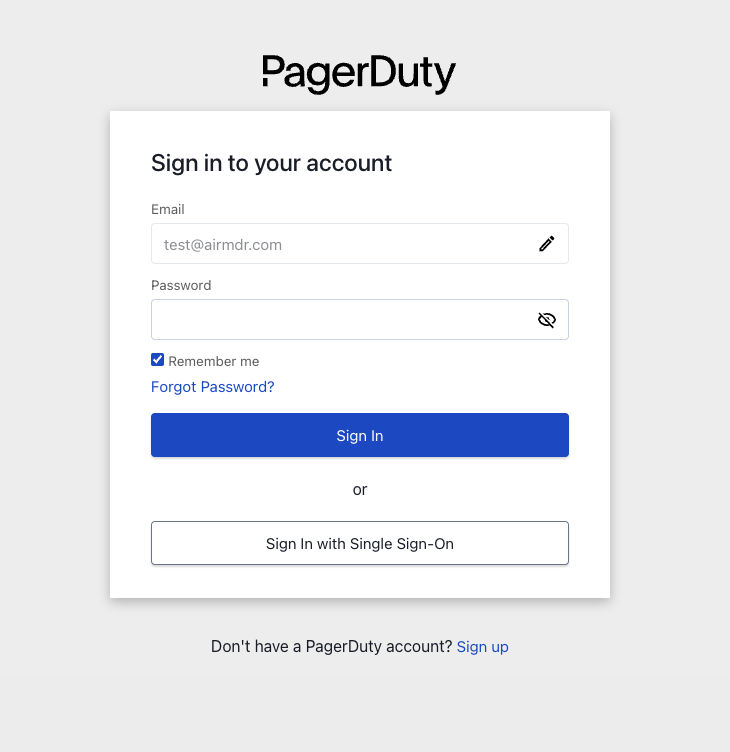
1. Go to [PagerDuty](https://identity.pagerduty.com/) and log in to your account.\\
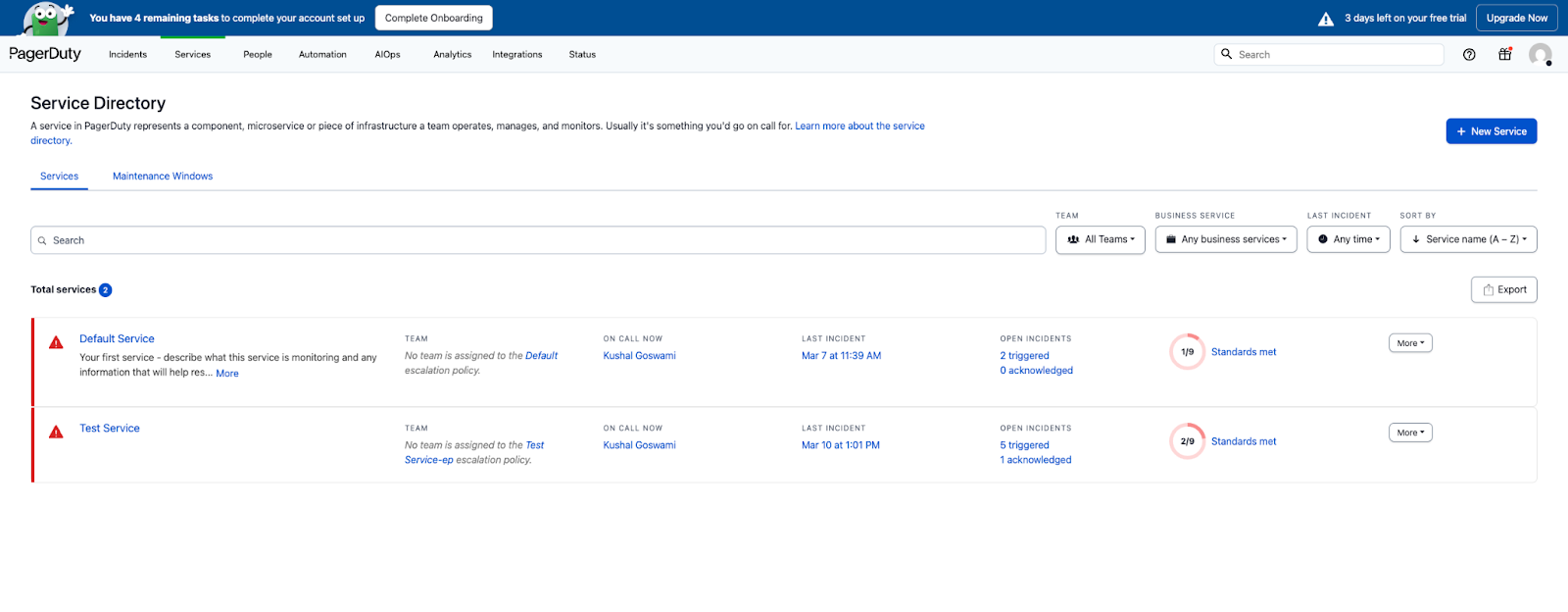
 2. Click on **Services** in the top navigation bar.
3. Select **Service Directory** from the dropdown.\\
2. Click on **Services** in the top navigation bar.
3. Select **Service Directory** from the dropdown.\\
 4. Select the **Services** tab.
* If you already have a service:
* Locate and select the desired service name (e.g., Test Service) whose Routing Key you want to share.\\
4. Select the **Services** tab.
* If you already have a service:
* Locate and select the desired service name (e.g., Test Service) whose Routing Key you want to share.\\
 * Select the **Integrations** tab in the service bar menu.
* Click on the Integration "**PRTG Notification For PagerDuty Events API v2**" drop-down menu.
* Copy and securely save the required credentials:
* **Integration Key**
* **Integration URL**\\
* Select the **Integrations** tab in the service bar menu.
* Click on the Integration "**PRTG Notification For PagerDuty Events API v2**" drop-down menu.
* Copy and securely save the required credentials:
* **Integration Key**
* **Integration URL**\\
 Email the Routing Key Details for Events API v2 Integration to the AirMDR operations team\
or\
Enter the generated **Integration Key,** in the Authentication Details field params → **Routing Key**, and click **Create.**
* If you need a new service:
* Navigate to **Services** → **Services Directory**.
* Click **+ New Service** (top-right corner).\\
Email the Routing Key Details for Events API v2 Integration to the AirMDR operations team\
or\
Enter the generated **Integration Key,** in the Authentication Details field params → **Routing Key**, and click **Create.**
* If you need a new service:
* Navigate to **Services** → **Services Directory**.
* Click **+ New Service** (top-right corner).\\
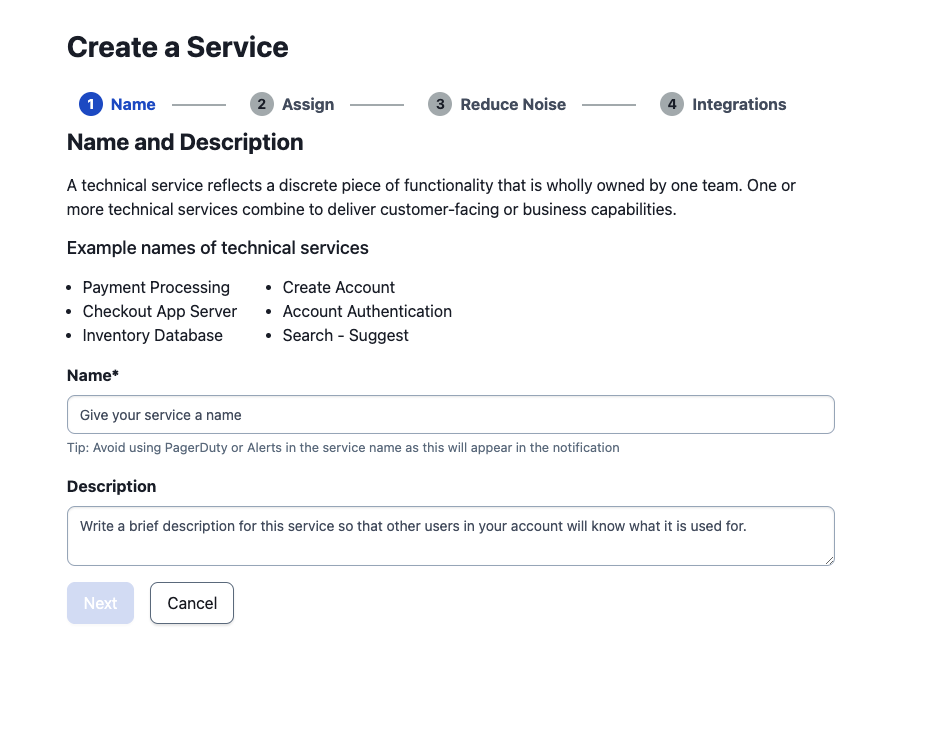
 * Provide the required details to Create a Service
* **Name**
* **Description**
* Click **Next**.\\
* Provide the required details to Create a Service
* **Name**
* **Description**
* Click **Next**.\\
 * Choose the "**Generate a new Escalation Policy**" option in the Assign an Escalation Policy.
* Click **Next**.
* Select the appropriate options in the Alert Grouping and Transient Alerts groups to Reduce Noise (Alerts Interval).
* Click **Next**.\\
* Choose the "**Generate a new Escalation Policy**" option in the Assign an Escalation Policy.
* Click **Next**.
* Select the appropriate options in the Alert Grouping and Transient Alerts groups to Reduce Noise (Alerts Interval).
* Click **Next**.\\
 * In the Integrations section, search for the keyword "**PRTG Notification For PagerDuty Events API v2**" and select "**Events API v2**"
* Click **Create Service**.
* Copy and securely save the required credentials:
* **Integration Key**
* **Integration URL**\\
* In the Integrations section, search for the keyword "**PRTG Notification For PagerDuty Events API v2**" and select "**Events API v2**"
* Click **Create Service**.
* Copy and securely save the required credentials:
* **Integration Key**
* **Integration URL**\\
 Email the Routing Key Details for Events API v2 Integration to the AirMDR operations team\
or\
Enter the generated **Integration Key,** in the Authentication Details field params → **Routing Key**, and click **Create.**
Email the Routing Key Details for Events API v2 Integration to the AirMDR operations team\
or\
Enter the generated **Integration Key,** in the Authentication Details field params → **Routing Key**, and click **Create.**