> ## Documentation Index
> Fetch the complete documentation index at: https://docs.airmdr.com/llms.txt
> Use this file to discover all available pages before exploring further.
# Vault
> AirMDR Vault uses encrypted, one-time email links to securely collect and store sensitive credentials without requiring logins into AirMDR. All uploaded secrets are encrypted, access-controlled, and fully audited to support protected, automated incident response.
## 🔐 How to share Secrets via Vault (One-Time Secure Link)
**Vault** is a secure feature in AirMDR designed to streamline how secrets (like API keys, credentials, or tokens) are requested and handled for products. \
It allows security teams to securely collect sensitive data directly from clients **without requiring login access**, reducing operational friction while maintaining compliance and security standards.
AirMDR Vault ensures that your sensitive data is protected and only accessible by authorized team members.
### 📧 Step-by-Step: What You Need to Do
1. You will receive an email from AirMDR system that looks like this:
> **Subject:** Action Required: Provide Secret for \ Organisation\
> **From:** AirMDR Vault System \<[**no-reply@airmdr.com**](mailto:no-reply@airmdr.com)>\
> **Includes:**
>
> * Required Secret name (e.g., "EDR API Key")
> * Secure link to upload secret
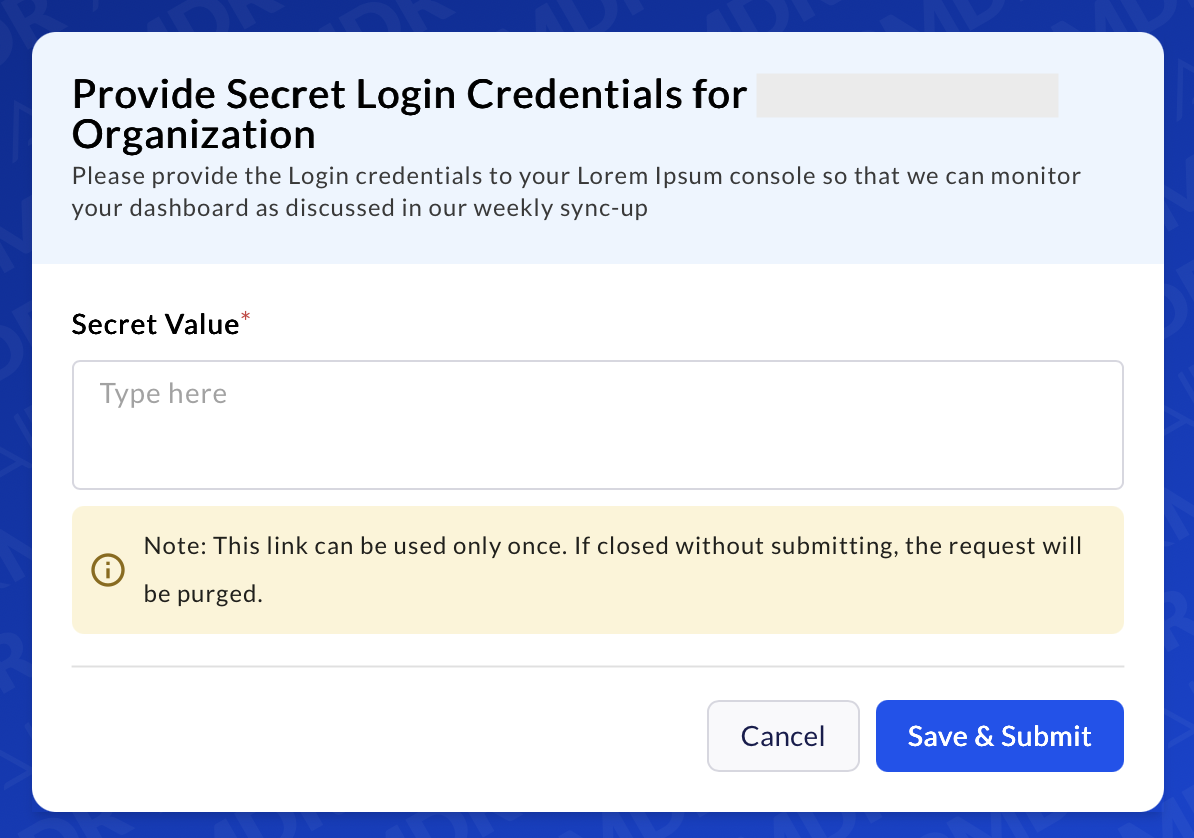
> * Instructions or description (e.g., Message from requester: "Please provide the Login credentials to your Lorem Ipsum console so that we can monitor your dashboard as discussed in our weekly sync-up")
1. Click the **"Provide Secret"** button or link provided in the email.
 This link is **secure**, **one-time use only**, and **expires** at a pre-defined set time (e.g., 24 or 48 hours) by AirMDR.
If the link has already been used or expired, you will see an error message.
Once the page loads:
The link **can only be used once**. After opening the page, keep it open and do not refresh or close it until you complete pasting the secret value.
1. You’ll see a secure input box labeled **"Secret Value"**.
2. Paste the secret value.
Please ensure that when you submit a secret, ID, or API token via Vault, you include a clear header describing the content, as this assists AirMDR (or any recipient) in promptly identifying it.
3. Click **"Save & Submit"**.
This link is **secure**, **one-time use only**, and **expires** at a pre-defined set time (e.g., 24 or 48 hours) by AirMDR.
If the link has already been used or expired, you will see an error message.
Once the page loads:
The link **can only be used once**. After opening the page, keep it open and do not refresh or close it until you complete pasting the secret value.
1. You’ll see a secure input box labeled **"Secret Value"**.
2. Paste the secret value.
Please ensure that when you submit a secret, ID, or API token via Vault, you include a clear header describing the content, as this assists AirMDR (or any recipient) in promptly identifying it.
3. Click **"Save & Submit"**.
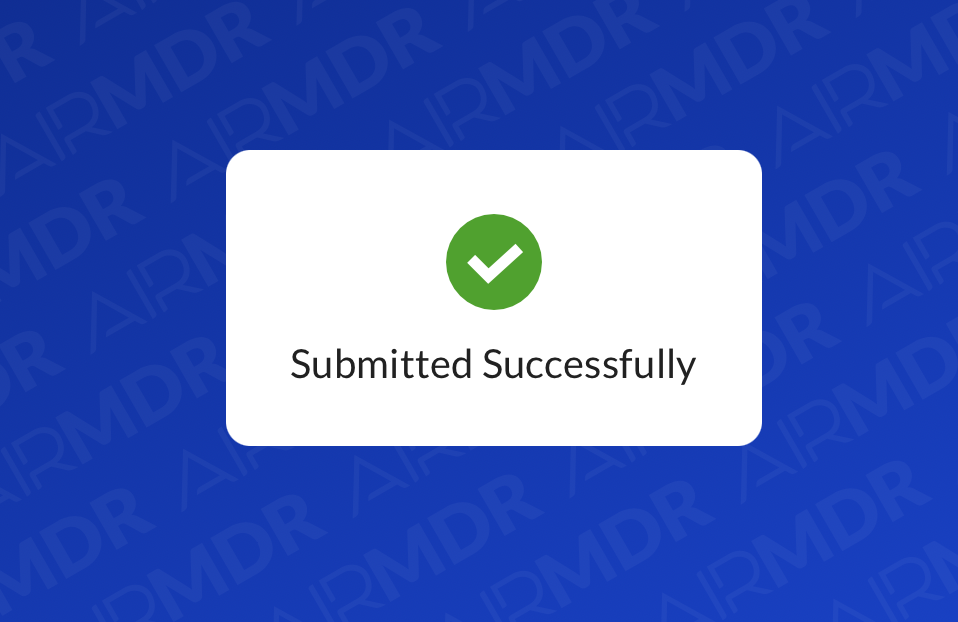
 ✅ You will see a confirmation message "**Submitted Successfully**" once the upload is successful.
 ### 🛡️ Compliance & Auditing
Vault logs captures all these to maintain transparency:
* Who requested a secret
* Provided on (Date & Time)
* Who provided the secret
* When it was accessed or expired
This ensures full **compliance visibility** for audits and incident reviews.
### 🛡️ Compliance & Auditing
Vault logs captures all these to maintain transparency:
* Who requested a secret
* Provided on (Date & Time)
* Who provided the secret
* When it was accessed or expired
This ensures full **compliance visibility** for audits and incident reviews.